

Connect Home Assistant
When setup is complete, the Integrations page in seenzus shows an online Home Assistant Source and begins syncing devices and live state automatically.
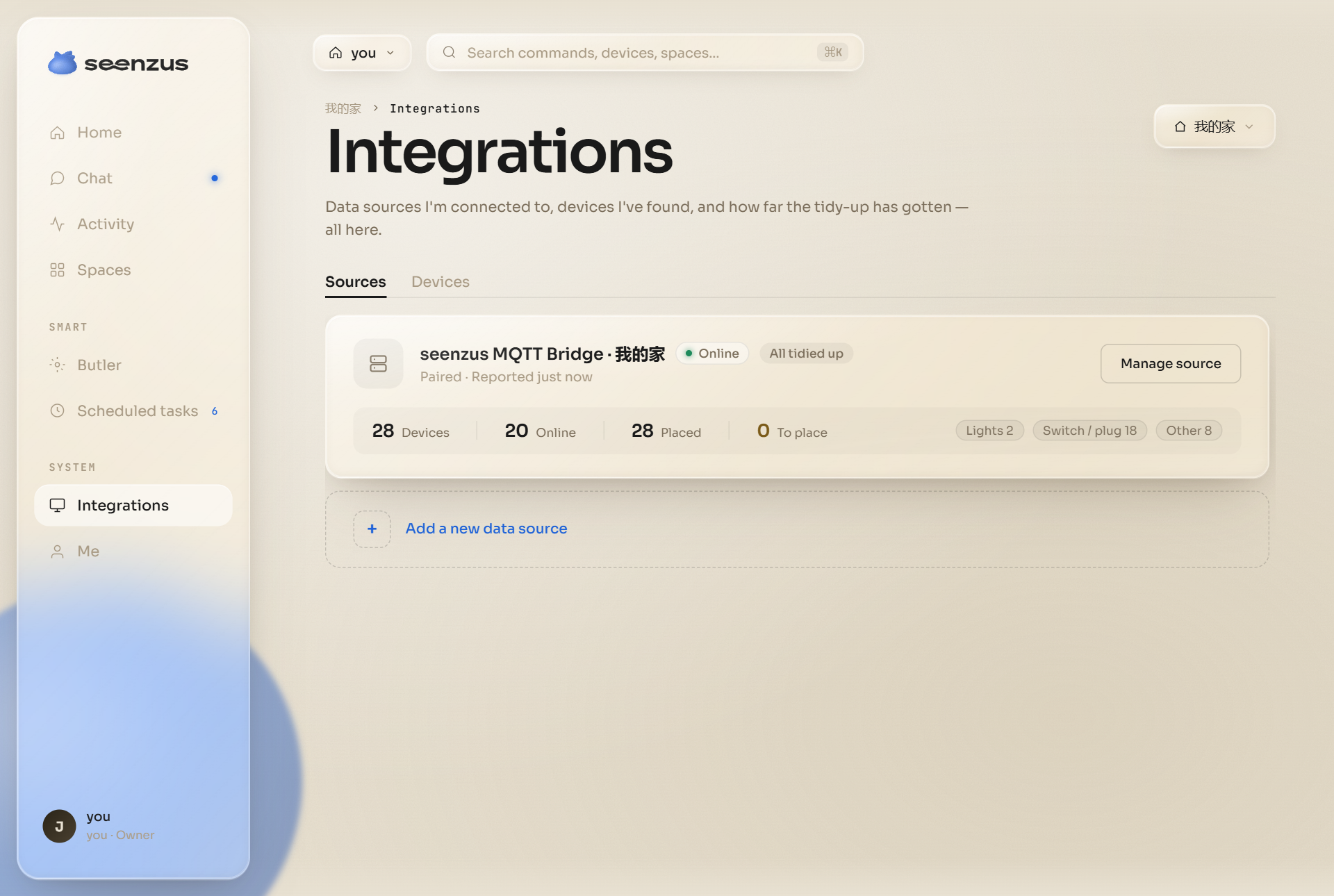
This is the result: the Source is online and devices are syncing. Click the image to enlarge it.
Connect in four steps
Section titled “Connect in four steps”- Install HACS Prepare the community store
- Install the Bridge Download and restart Home Assistant
- Pair from seenzus Start in the app
- Verify the Source Check its online status
1. Install HACS
Section titled “1. Install HACS”Choose HACS Official or HACS Turbo for your network. When installation is complete, HACS appears in the Home Assistant sidebar.
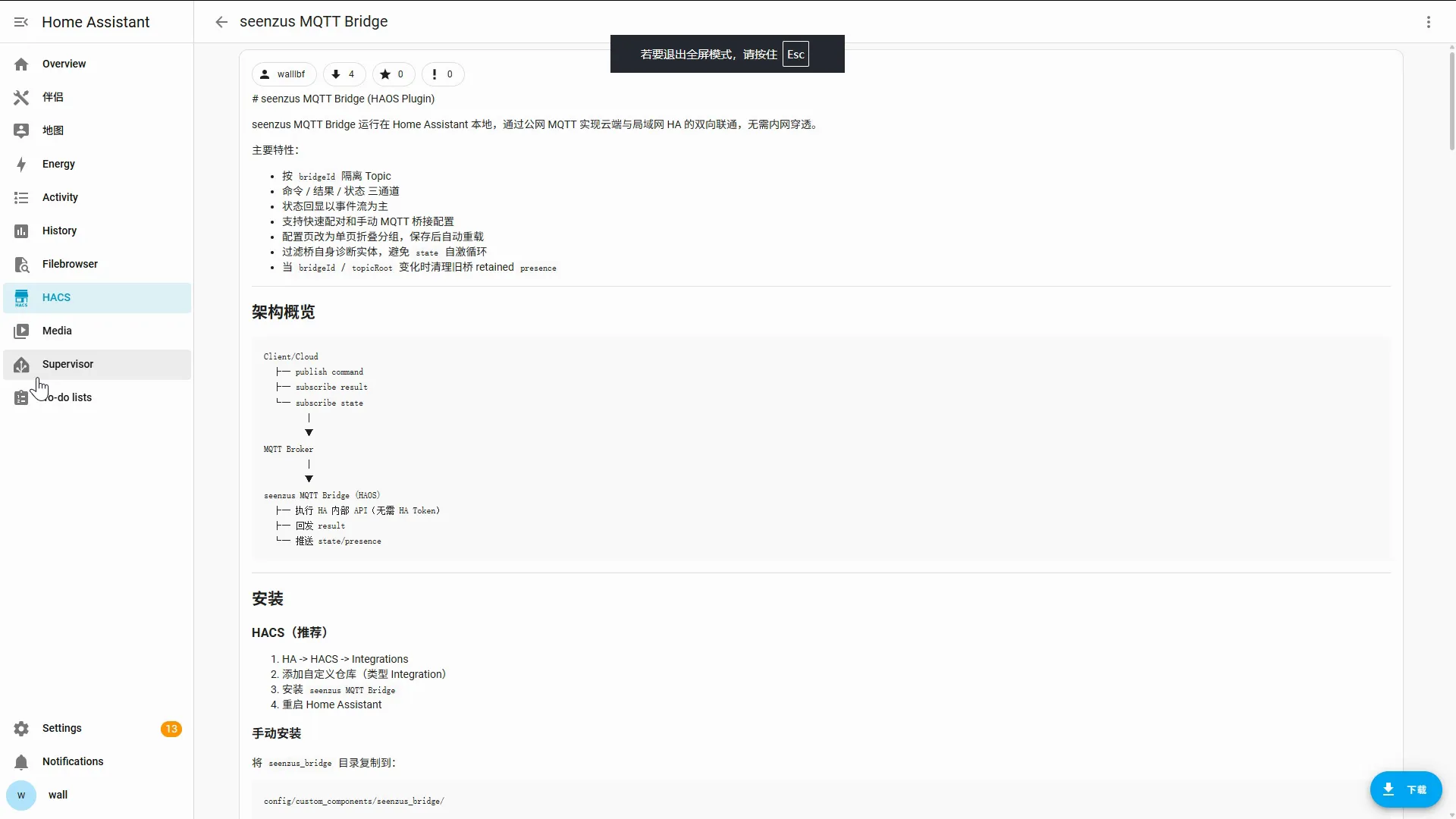
2. Install the Bridge with HACS
Section titled “2. Install the Bridge with HACS”Use the homeassistant.local shortcut to open the repository, confirm it, download the Bridge, and restart Home Assistant. Only use the HA IP when the default address fails.
3. Start pairing from seenzus
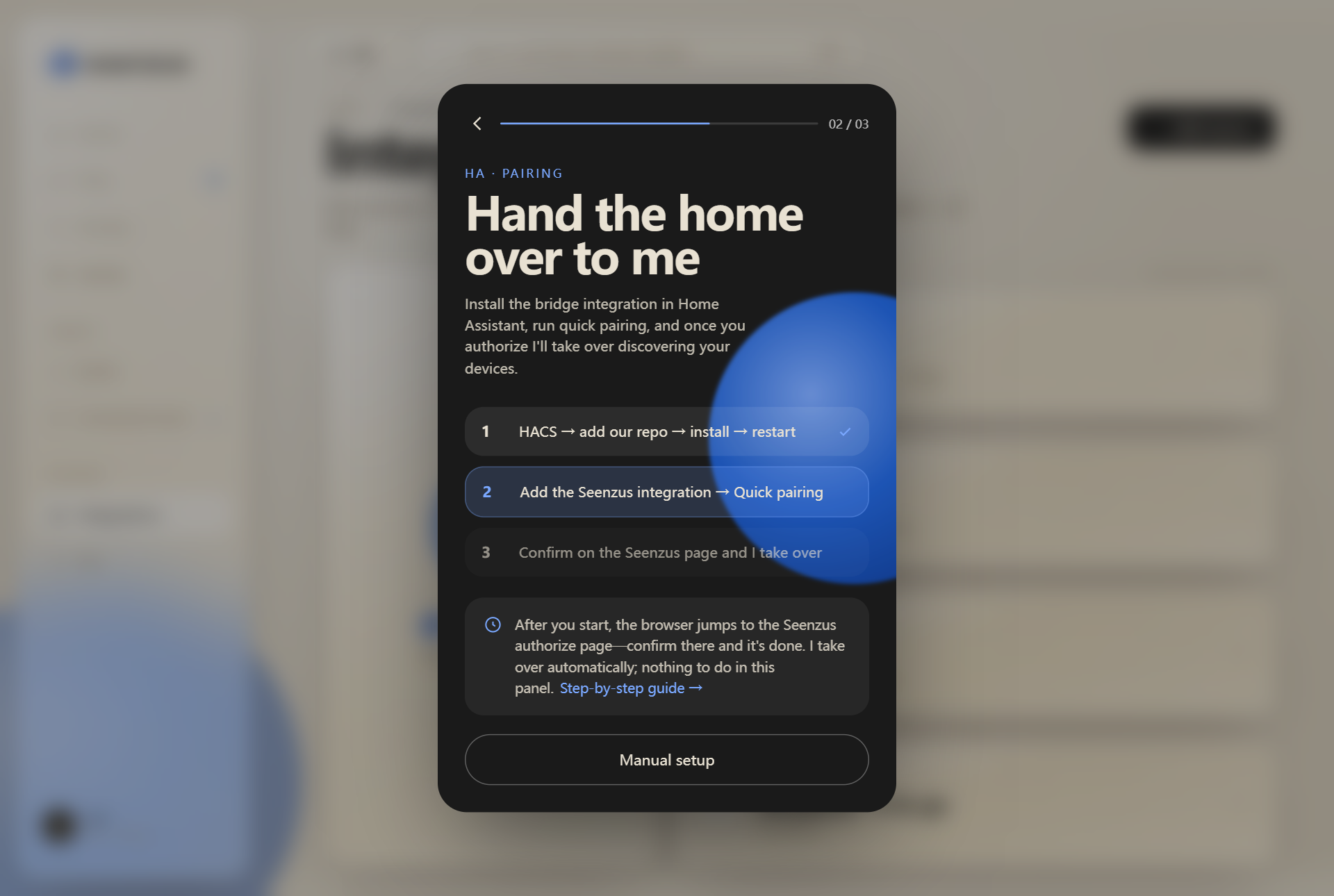
Section titled “3. Start pairing from seenzus”Open Integrations, add a Source, and follow the app into Home Assistant. You do not need to enter MQTT settings.
4. Verify the Source
Section titled “4. Verify the Source”After authorization, return to Integrations and open the Source you just created. If it is online and shows device counts, setup is complete.
If devices do not appear, follow sync troubleshooting.