

Personal Settings & Memory
Tap Me — this is your own entry point: at the top, a glance at the space / device / done-for-you stats; below, entries for the butler, scheduled tasks, activity, personal memory, Sources, Sites, members, and appearance & language.
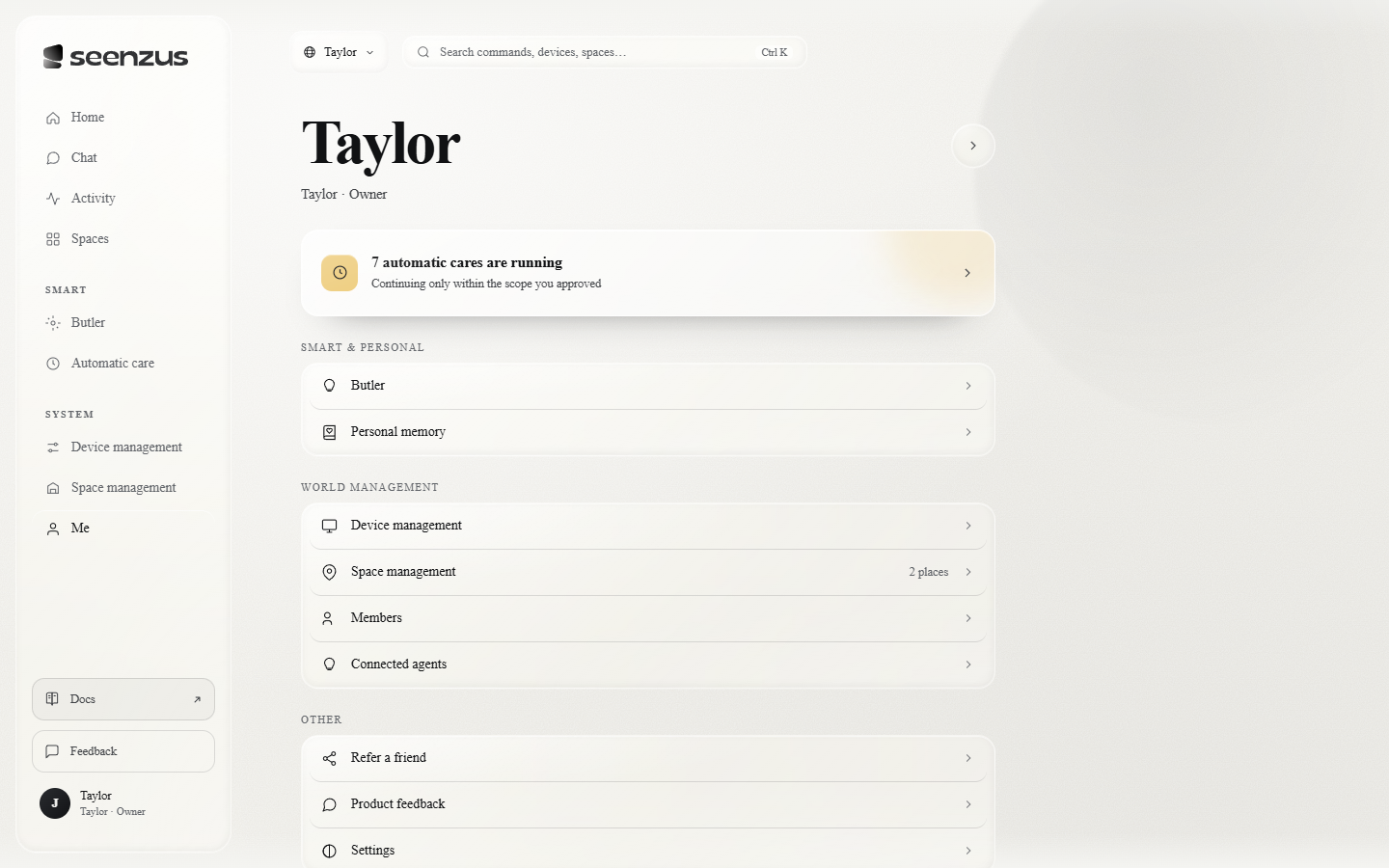 The Me page.
Your profile
Section titled “Your profile”At the top are your name and role (such as “owner”); tap on the right to edit your profile.
Preferences and memory
Section titled “Preferences and memory”- Appearance & language — one row at the bottom of the page switches both directly: light / dark, 中文 / English;
- What it remembers about you — Personal memory · What it remembers about you is what seenzus has learned about you personally along the way — your preferences and habits.
Butler → Memory, meanwhile, holds this home’s environmental preferences, recorded by room (say, a room’s AC setting for sleep). The two are kept apart: one is private to you, the other is shared by the home.
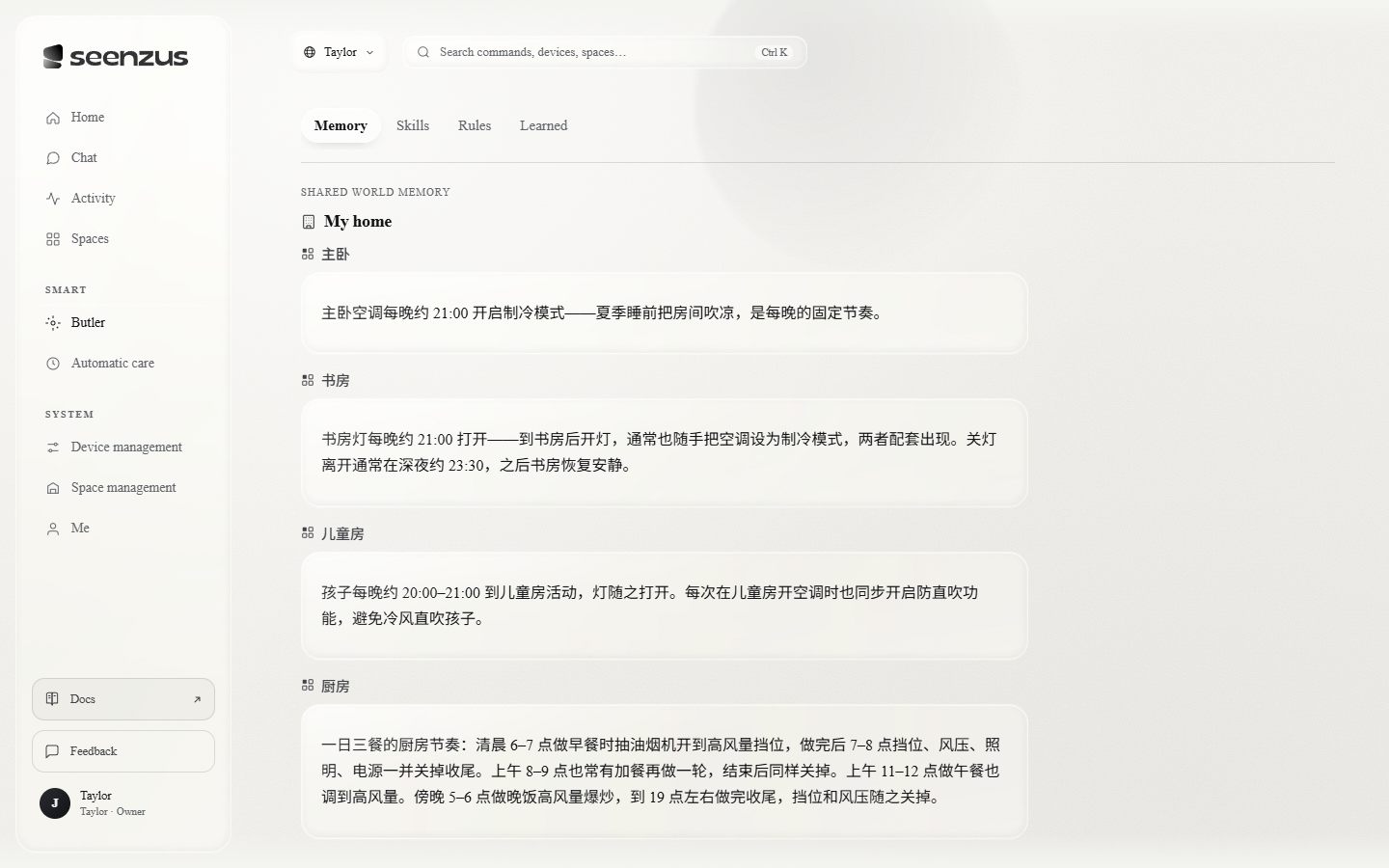 This home’s environmental memory, organized by Space.
A note on privacy
Section titled “A note on privacy”- Personal preferences are private. “What it remembers about you” belongs to you; other members can’t see it.
- Conversations are private. Each signed-in person sees only their own chat history; what the household shares is the butler’s memory and style, not chat logs.
- Visibility is yours to decide. Which Sites are open to whom can be changed, or removed, at any time.