

Members & Permissions
A Smart Space starts with just you. To let family, staff, or a cleaner use it too, go to Me → Members (the panel reads: who can see and control my home).
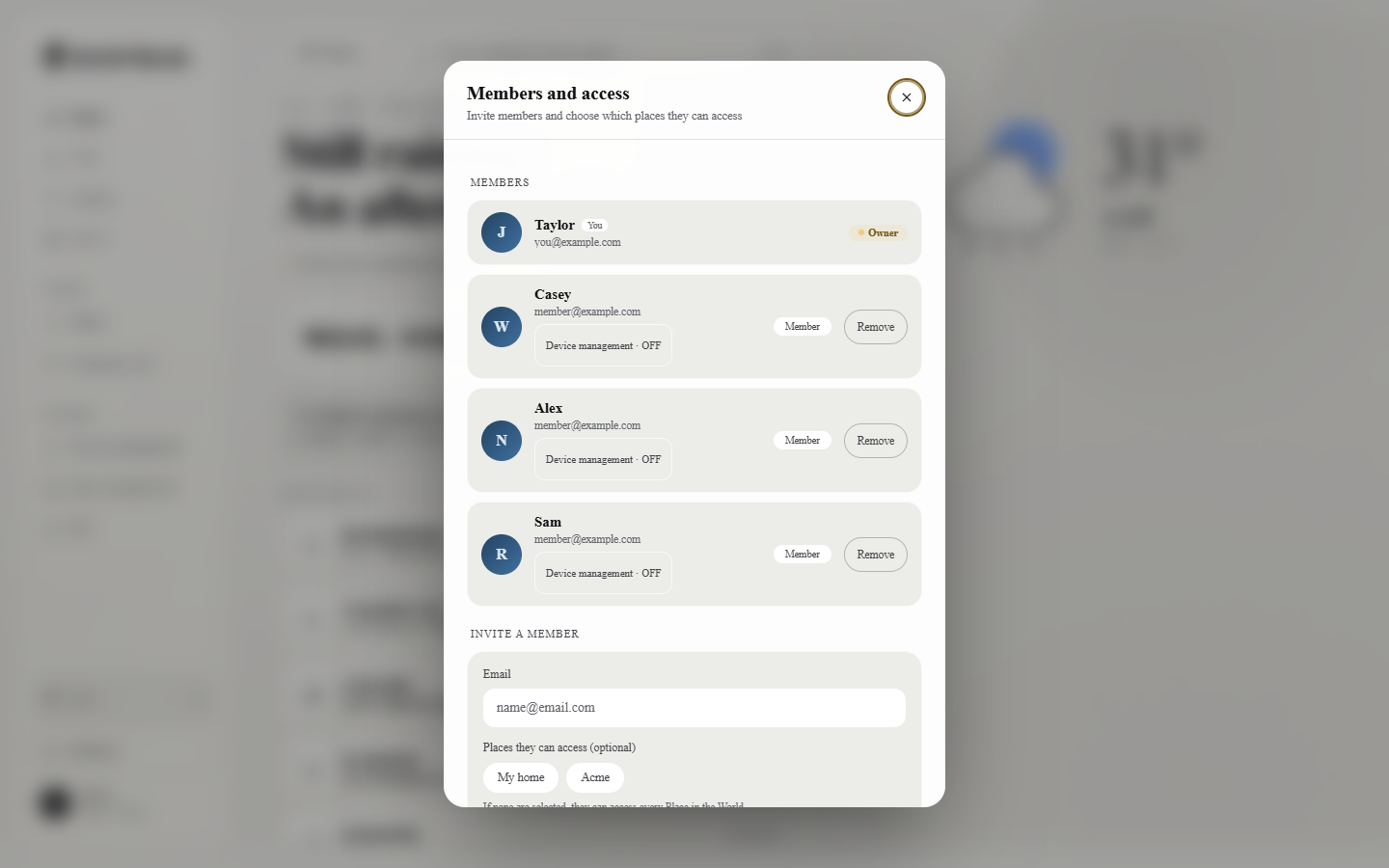 The members panel.
Inviting members
Section titled “Inviting members”In Invite a member, enter the person’s sign-in email. Limit to certain Sites is optional — pick Sites to open only those few; picking none means the whole smart space is visible. Tap Send invitation; they join once they accept.
Managing members
Section titled “Managing members”Current members lists each person’s role (owner / family), with remove available at any time. Pending holds invitations that have been sent but not yet accepted — these can be revoked.
How owners differ from members
Section titled “How owners differ from members”- Owner — that’s you. You created and own this Smart Space; you look after Sources, invite members, and manage everything.
- Member — someone you invited in. A whole-space member can see the entire space and talk to the butler; a scoped member sees only the Sites you ticked (open just the guesthouse to its cleaner, for instance) and doesn’t see owner-only entries like Integrations and Chat — so different people may see different navigation after signing in. That’s by design, not a fault.